
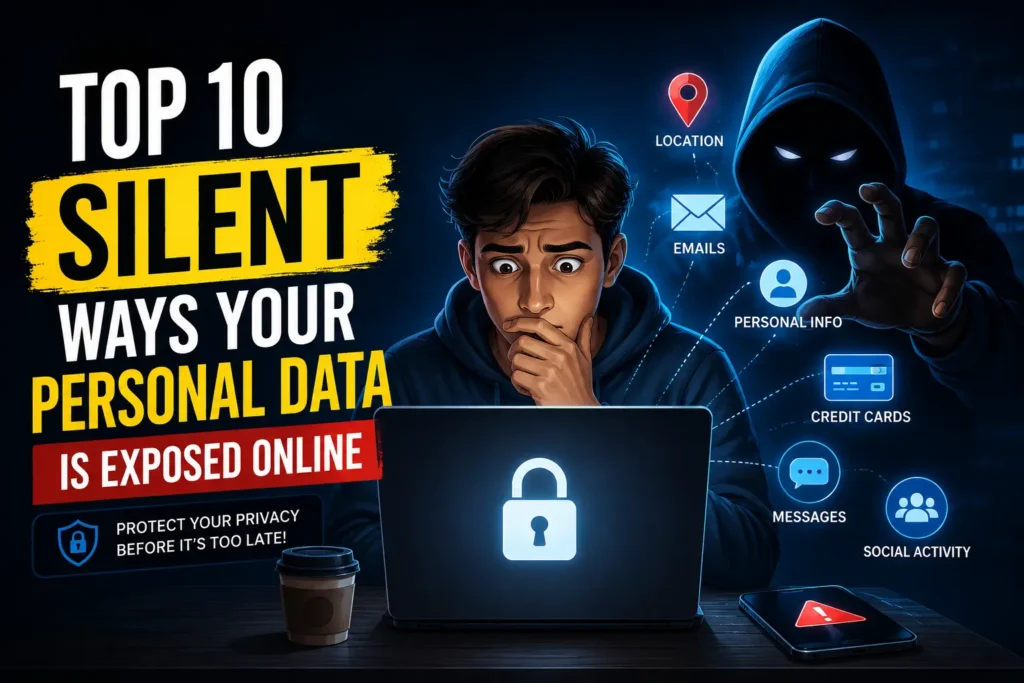
Many folks believe that personal data only gets compromised during huge cyberattacks or when companies suffer breaches. But the reality is much more alarming. Your personal information might already be slipping out into the online world through everyday actions that seem totally harmless.
Whether it’s scrolling through social media or hopping onto public Wi-Fi, those little online habits can quietly expose a surprising amount of details about you. Often, people don’t even realize how much data they’re giving away until they find themselves dealing with spam, phishing attempts, hacked accounts, or even identity theft.
These days, personal data has turned into one of the most sought-after commodities on the internet. Companies gather it for targeted advertising and personalization, while cybercriminals are on the lookout for it to pull off scams, fraud, and account takeovers.
1. Public Wi-Fi Networks
While free Wi-Fi at cafes, airports, hotels, and shopping malls can be super convenient, it also comes with its fair share of risks.
Public networks tend to be less secure than the private Wi-Fi you have at home. Cybercriminals often take advantage of these unsecured connections to snoop on user activity.
So, if you happen to log into your banking accounts, emails, or social media while using an unsafe public Wi-Fi, you could be putting your personal information at risk.
Some hackers even go as far as setting up fake Wi-Fi hotspots (Evil Twins) with names that closely resemble legitimate networks, just to trick unsuspecting users into connecting.
How to stay safe
- Avoid accessing sensitive accounts on public Wi-Fi
- Use a trusted VPN service
- Turn off automatic Wi-Fi connections
- Use mobile data for important tasks whenever possible
2. Weak and Reused Passwords
Weak passwords remain one of the biggest online security problems.
Many users still use simple passwords like:
- 123456
- password
- birthdays
- phone numbers
The bigger issue is password reuse.
If a website you use experiences a data breach and your password is compromised, hackers might attempt to use that same password on your other accounts. This tactic is known as credential stuffing.
A single weak password can sometimes expose:
- email accounts
- social media accounts
- shopping websites
- banking platforms
How to stay safe
- Use strong, unique passwords for every account
- Enable two-factor authentication (2FA)
- Use a password manager
- Never reuse passwords across important services
3. Oversharing on Social Media
Social media platforms encourage users to share their lives online, but oversharing can quietly expose personal information.
People often reveal:
- birthdays
- locations
- workplace details
- school names
- travel updates
- family information
These details might seem innocent at first glance, but cybercriminals can actually exploit them for social engineering attacks or to guess passwords.
Popular platforms like Facebook, Instagram, and TikTok gather a ton of user activity data to enhance their recommendations and advertising systems.
How to stay safe
- Review privacy settings regularly
- Avoid posting sensitive information publicly
- Limit location sharing
- Be careful about who can view your posts
4. Browser Tracking and Cookies
Many websites track user behavior using cookies and analytics tools.
These systems may collect:
- browsing history
- search activity
- shopping interests
- location data
- device information
This data is often used for targeted advertising.
Have you ever looked up a product online and then found yourself bombarded with ads for it everywhere you go? That’s the magic of browser tracking at work.
Some companies build intricate advertising profiles based on how you behave online.
How to stay safe
- Clear cookies regularly
- Use privacy-focused browsers
- Block unnecessary trackers
- Avoid suspicious browser extensions
5. Data Breaches
Large data breaches happen more often than many people realize.
When companies get hacked, millions of user records may become exposed online. Leaked data can include:
- email addresses
- passwords
- phone numbers
- addresses
- payment information
Once this information spreads online, it may be used for phishing attacks, scams, or account takeovers.
Many users do not even realize their information has been leaked until suspicious activity begins.
How to stay safe
- Change passwords after major breaches
- Monitor accounts for unusual activity
- Enable security alerts
- Use different passwords everywhere
6. Mobile Apps Collecting Excessive Data
Many mobile apps collect far more information than users expect.
Some apps request access to:
- microphones
- cameras
- contacts
- location services
- storage
- Bluetooth
While some permissions are essential, others might just be there to help apps collect more user data for things like analytics and advertising. Even popular apps such as Google Maps, Snapchat, and Temu gather a considerable amount of information about your behavior and device.
How to stay safe
- Review app permissions regularly
- Remove unused apps
- Download apps only from trusted sources
- Disable permissions you do not need
7. Phishing Emails and Fake Websites
Phishing remains one of the most effective cybercrime methods today.
Attackers create fake emails and websites designed to trick users into:
- entering passwords
- sharing payment details
- downloading malware
- revealing sensitive information
Modern phishing scams often look extremely convincing. Some even imitate trusted companies perfectly.
How to stay safe
- Double-check website URLs carefully
- Avoid clicking suspicious links
- Verify emails before responding
- Never share passwords through messages or email
8. Cloud Storage Misconfigurations
Cloud storage platforms make storing files extremely convenient, but incorrect settings can accidentally expose private information online.
Sometimes users unknowingly leave folders or files publicly accessible.
This may expose:
- personal photos
- documents
- backups
- financial records
- work files
Cloud-related data exposure has become a growing issue in cybersecurity.
How to stay safe
- Review cloud sharing settings regularly
- Use strong passwords and 2FA
- Delete old unused files
- Avoid storing highly sensitive information unnecessarily
9. Third-Party App Connections
Many websites allow users to log in using existing accounts from platforms like Google or Meta.
While convenient, users often grant third-party apps access to:
- profile information
- email accounts
- contacts
- calendars
- cloud storage
Over time, people forget how many apps are connected to their accounts.
Some third-party services may continue collecting data even after users stop actively using them.
How to stay safe
- Review connected apps regularly
- Remove services you no longer use
- Limit unnecessary permissions
- Be cautious about what access you allow
10. Data Brokers and Online Tracking Companies
One of the most silent forms of data exposure comes from data brokers.
These companies collect information from:
- websites
- apps
- loyalty programs
- advertising networks
- online purchases
They combine this data to build detailed user profiles that may include:
- interests
- shopping habits
- location history
- browsing behavior
Most users never directly interact with these companies, yet large amounts of personal information may already exist in their databases.
How to stay safe
- Limit unnecessary data sharing
- Review privacy settings regularly
- Disable ad tracking when possible
- Use privacy-focused services and browsers
Why Online Privacy Matters More Than Ever
Personal data has become extremely valuable in the digital world.
Companies use it for:
- advertising
- recommendations
- analytics
- personalization
Meanwhile, cybercriminals use stolen information for:
- scams
- phishing attacks
- identity theft
- financial fraud
The issue isn’t just about data being collected; it’s that many folks aren’t aware of how frequently their information gets exposed through their daily online activities.